
Replenishment Management Software
Eliminate manual errors, right-size inventories, and streamline supply chain operations with SyncKanban® – the ultimate eKanban manufacturing software that automates replenishment management.
Real-Time Demand Signals
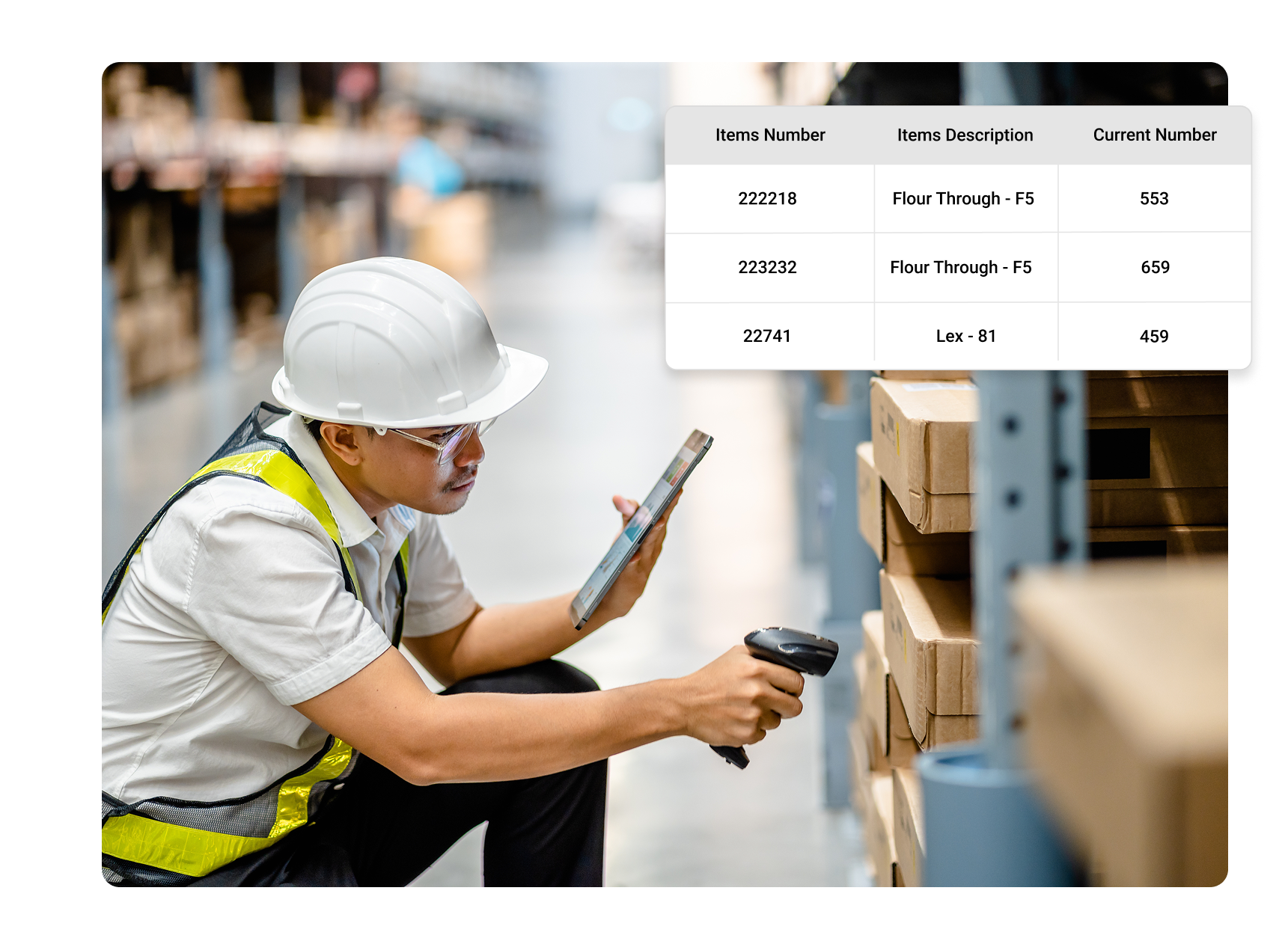
SyncKanban instantly communicates demand signals throughout your supply chain to keep production running smoothly and efficiently.
Kanban Sizing Suggestions
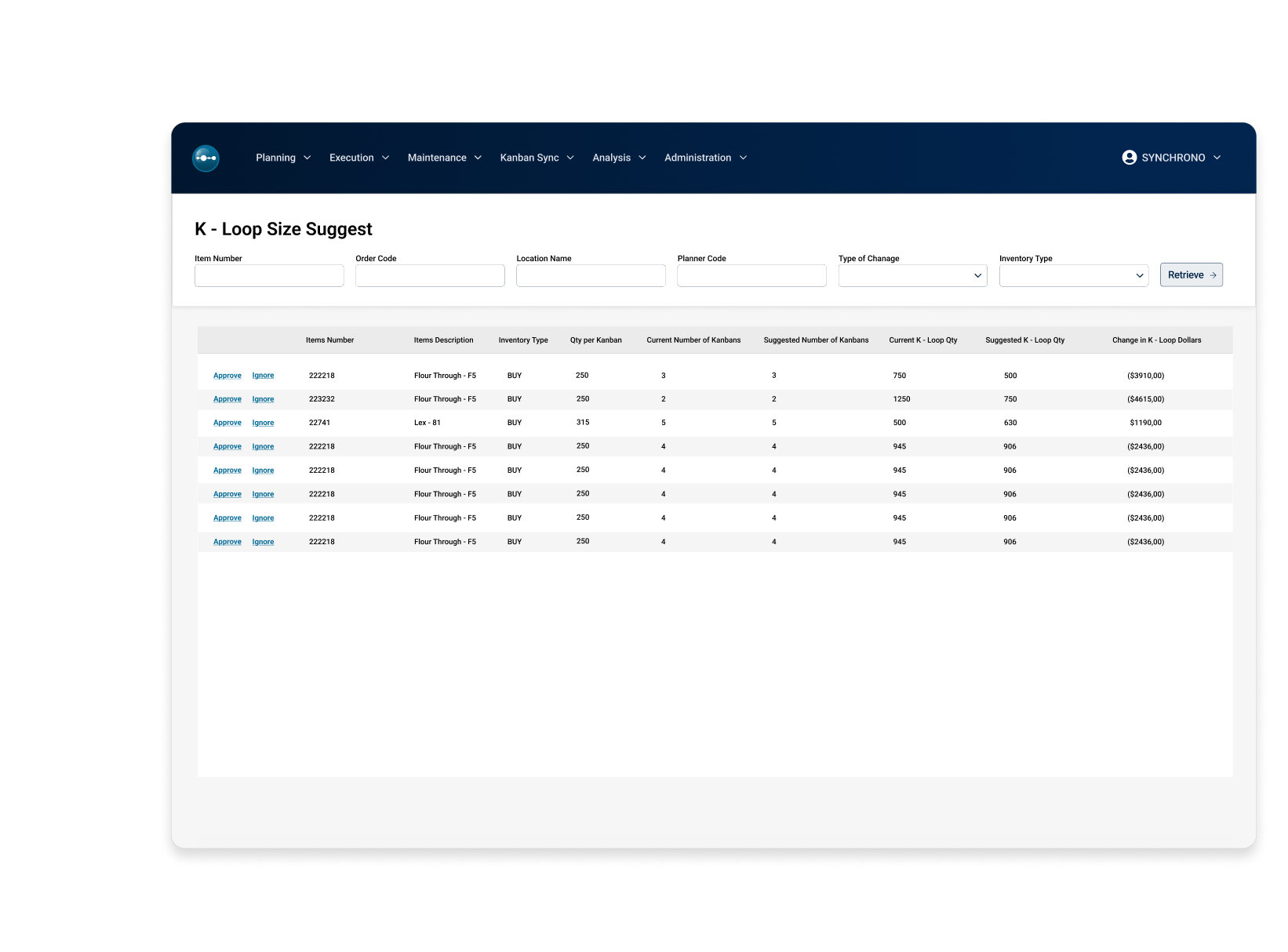
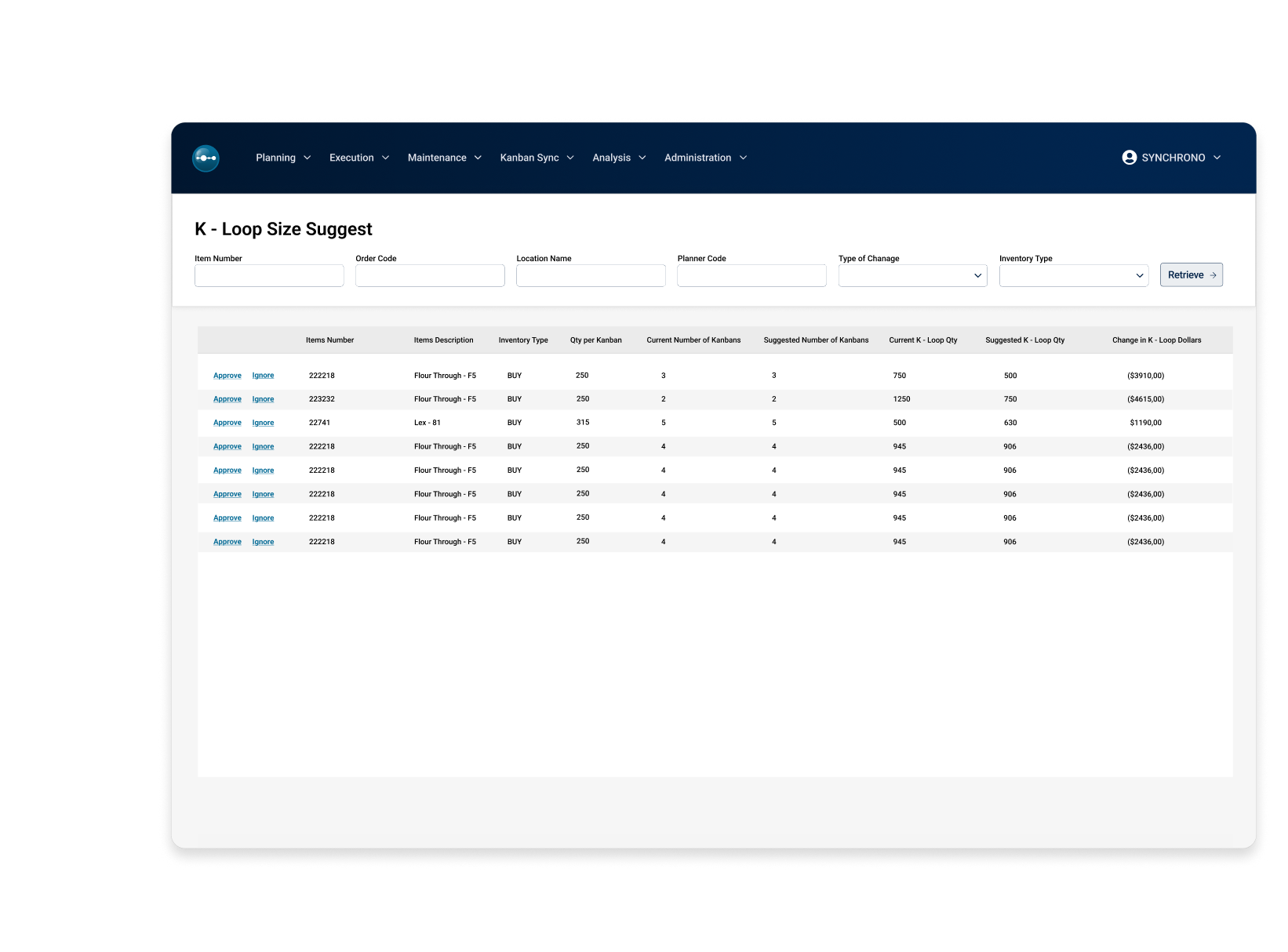
Automatically resize Kanban Loops to align replenishment with shifts in demand or supply, keeping inventory the right size at all times.
Supplier Portal Visibility
Reduce the constant emails and phone calls by enabling suppliers to stay in perfect alignment with your replenishment needs.
Inventory Visibility For All Roles
Full visibility of the health of all supermarkets means no surprises and focused attention on the replenishments that require it.
Supplier Portal Bulk Mode
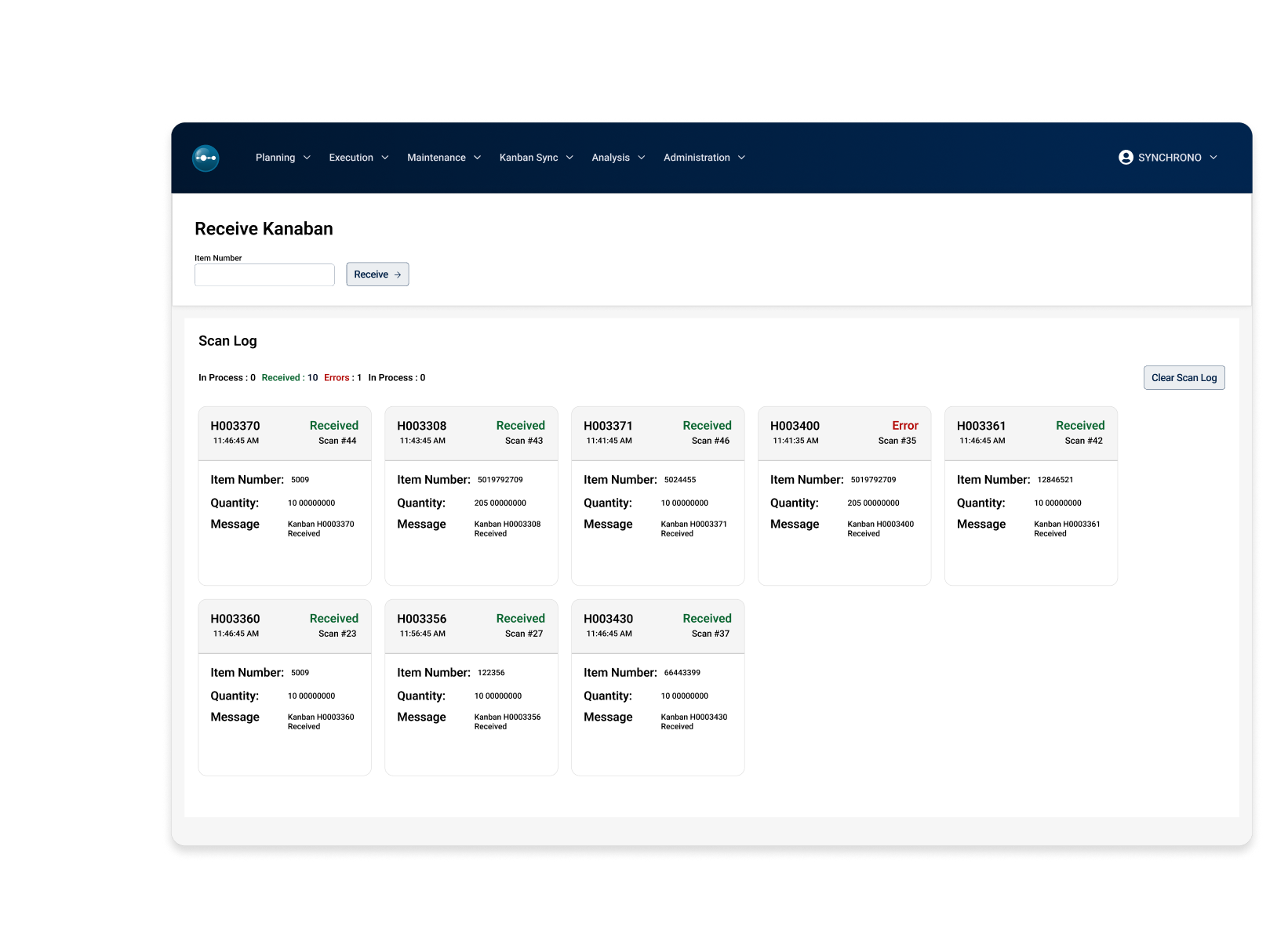
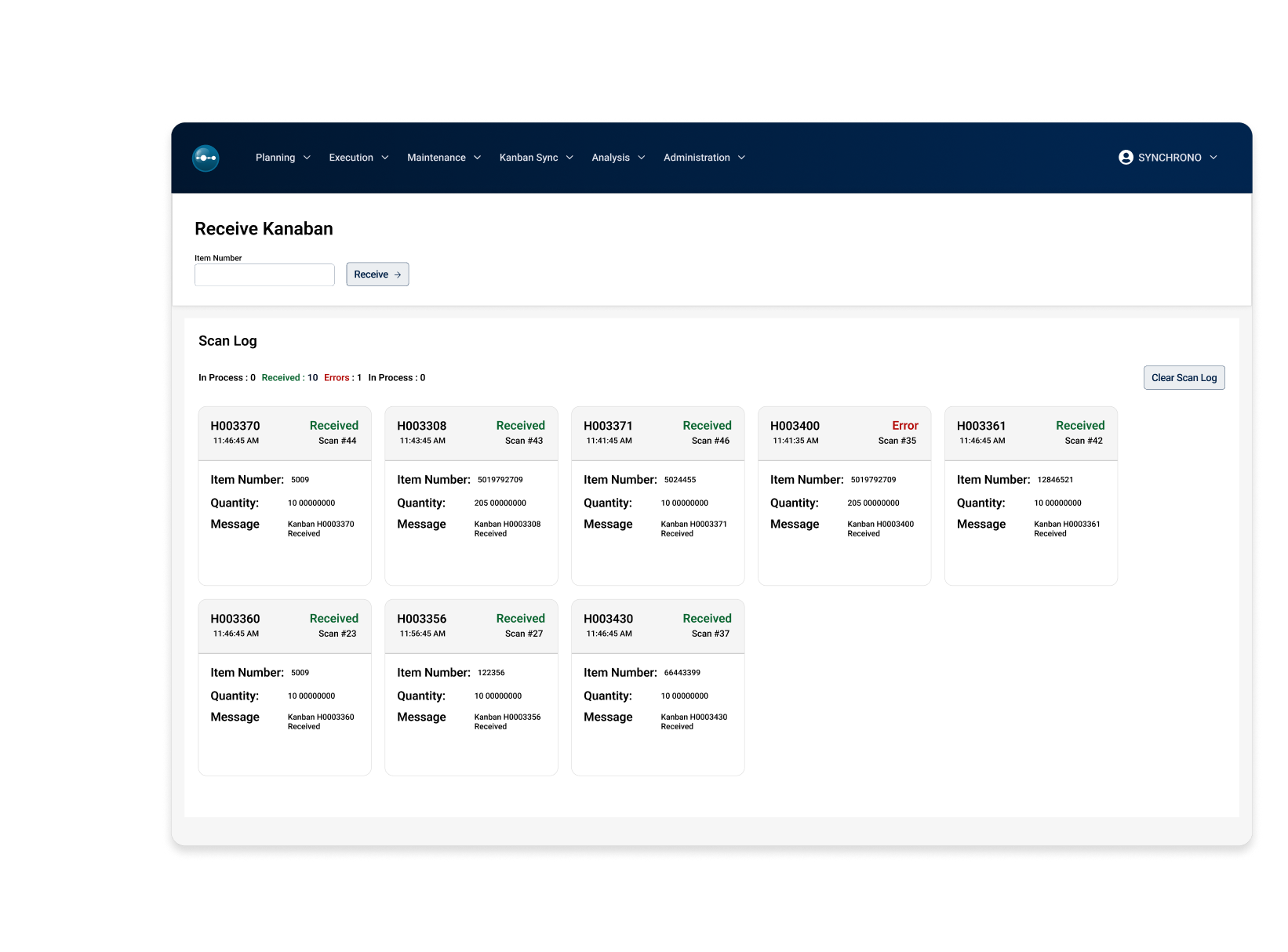
Suppliers can efficiently apply the same update to several Kanban cards that are on one shipment or being confirmed on one Supplier Confirmation date.
Kanban Pull Sequences
Define Kanban locations, including sub inventories or locators, to model your shop floor. Compute Kanban quantities and track by sub inventory to reduce inventory transactions.
Automate Replenishment
Save time from generating PO releases and purchasing execution with automated, consumption-based replenishment. Free up buyers to focus on strategic sourcing instead of routine tasks.
Multi-Location Support
Easily monitor stock levels across all locations, view joint stock data, and execute transfers between warehouses.
Prioritized Cards By Stock Level
Continuously monitoring stock levels to adjust Kanban card priorities dynamically by using real-time inventory tracking.
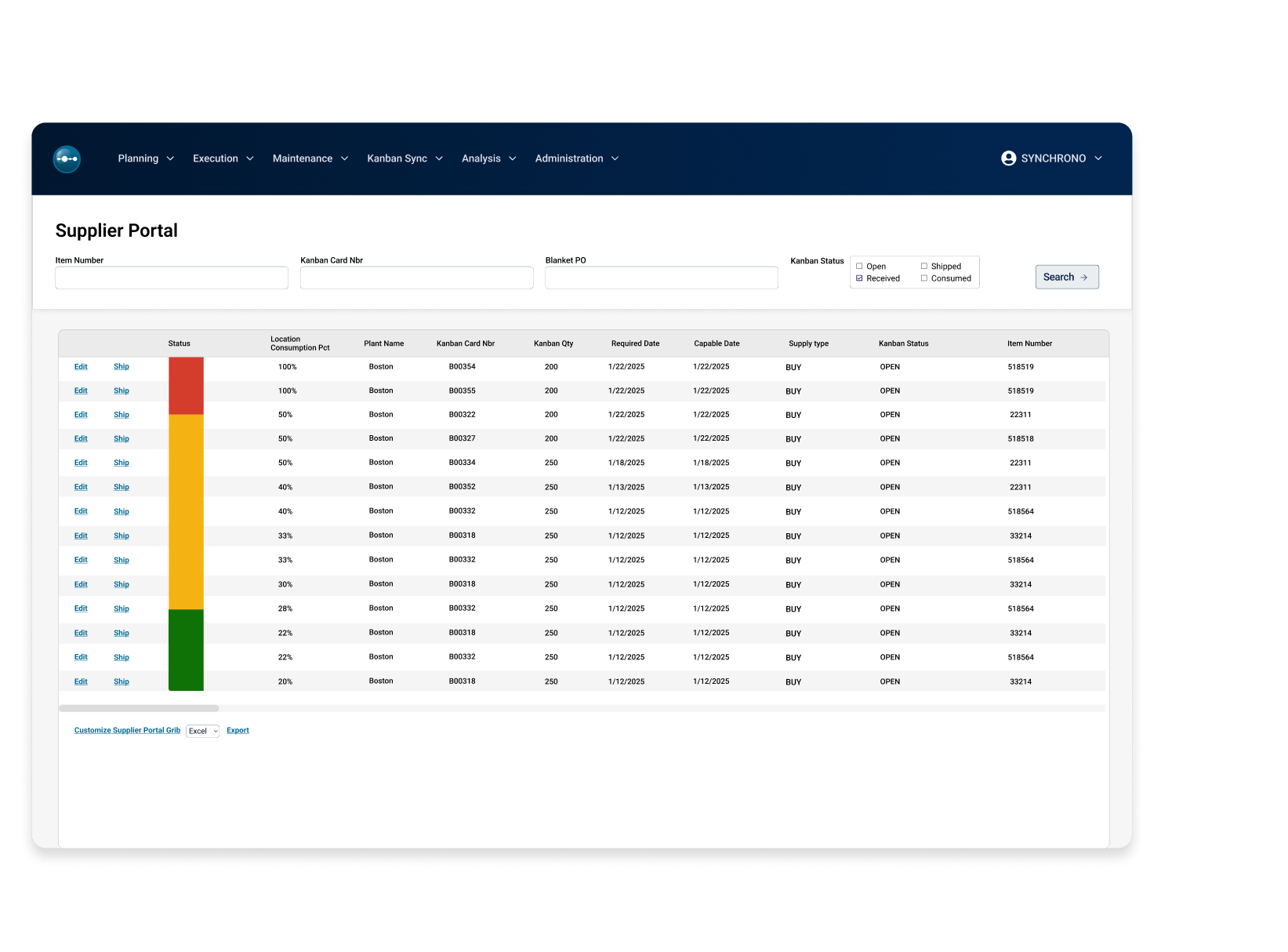
Full Supplier Visibility
Gain real-time and complete visibility into your supply chain with our supplier portal in SyncKanban. Access clear priorities for upstream manufacturing work cells and communicate seamlessly through a supplier portal that tracks shipments, confirmations, and delivery dates.
- Clear priorities for upstream manufacturing work cells and suppliers
- Monitor inventory levels across multiple locations
- Gain a live view into production floor activity
- Centralize inventory management
Boost Revenue with SyncKanban
30%
WIP inventory reduction
30%
Shortened lead times
90%
Reduction in scrap
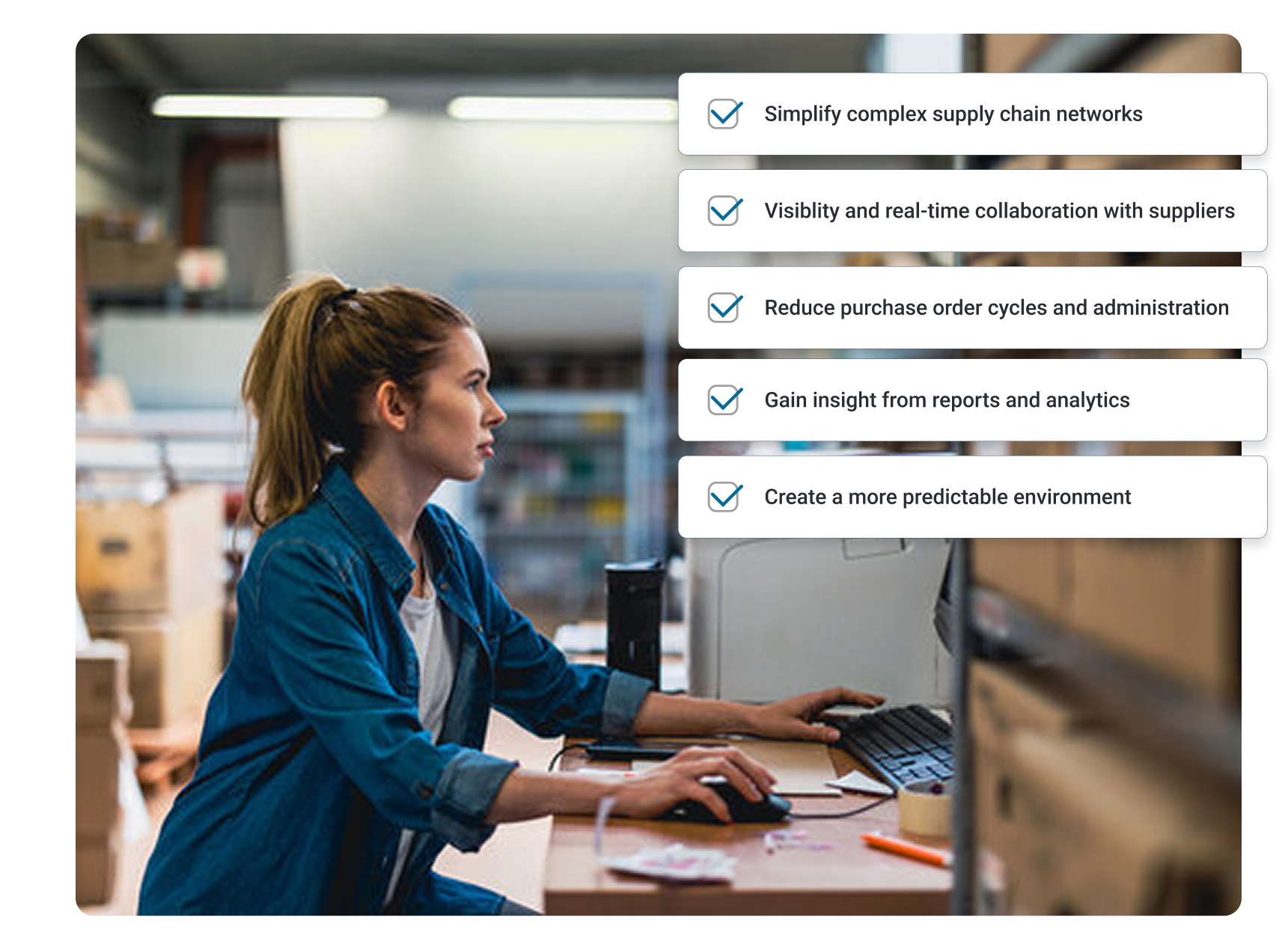
Automate Inventory Replenishment for Full Control and Less Guesswork
See how SyncKanban can optimize inventory levels to reduce costs, improve efficiency, enhance flow, and boost customer satisfaction. Start streamlining your operations and drive profitability today!
What is eKanban, and how is SyncKanban® different from a traditional Kanban board?
eKanban (electronic Kanban) is a digital, software-driven version of the traditional Kanban system that uses pull signals to control inventory and material flow. Instead of relying on physical cards and manual updates, an eKanban system uses barcodes, electronic signals, and real-time data to trigger replenishment based on actual consumption and to track status across locations and suppliers. This reduces the many challenges experienced with traditional Kanban boards, such as manual errors and lost cards, while providing better visibility into inventory levels and Kanban loops.
SyncKanban from Synchrono automates replenishment management and synchronizes demand and inventory across the plant and supply chain. The software continuously monitors stock levels, issues real-time demand signals, and can automatically resize Kanban loops and suggest quantity adjustments based on changing demand or supplier performance. Unlike a traditional, wall-mounted Kanban board, SyncKanban provides a digital view of all supermarkets, prioritized cards by stock level, and a supplier portal so internal cells and external suppliers see the same, up-to-date priorities and shipment status.
Because SyncKanban can be integrated with an existing ERP system and supports barcode scanning and multilocation visibility, it helps streamline the management of blanket POs and routine purchasing tasks, freeing buyers to focus on higher-value work. In short, where a traditional Kanban board is manual and local, SyncKanban is automated, real-time, and designed to support pull-based, demand-driven manufacturing enterprise-wide.
What sort of manufacturing KPIs can I improve by implementing SyncKanban®?
Implementing SyncKanban typically improves KPIs linked to inventory, flow, and delivery performance. Because SyncKanban automates kanban replenishment and right-sizes supermarkets using real-time demand data, manufacturers commonly see lower work-in-process (WIP), higher inventory turns, fewer stockouts, and less need to expedite orders.
On the operations side, SyncKanban can improve throughput, lead time, and schedule adherence by synchronizing material availability with actual consumption, which reduces waiting, changeover disruptions, and line stoppages. Quality and waste-related KPIs, such as scrap rate, rework, and obsolescence, can also improve because materials are replenished in smaller, better-controlled batches, and exceptions are visible in real time.
Supplier and supplychain KPIs, such as on-time delivery, supplier responsiveness, and replenishment lead time, often benefit as well due to the shared portal and live visibility SyncKanban provides to external partners. Financial and customer-focused metrics, such as cash flow and on-time-in-full (OTIF) delivery rates, can improve as a result of leaner inventories and more reliable fulfillment.
How can the SyncKanban® supplier portal help me reduce supply chain bottlenecks and improve manufacturing throughput?
The SyncKanban supplier portal helps reduce supply chain bottlenecks and improve throughput by giving suppliers the same visibility into demand and inventory that your internal teams have. Suppliers see clear, prioritized Kanban cards, current inventory levels across locations, and real-time consumption signals, so they can align production and shipments with your actual needs rather than relying on outdated forecasts, emails, and spreadsheets.
The portal also streamlines execution: suppliers can confirm multiple cards in bulk, track shipments and due dates, and respond quickly when demand shifts, while SyncKanban automatically adjusts Kanban sizes and reorder points based on performance and trends. The combination of shared visibility and automated replenishment keeps supermarkets right-sized and materials flowing, thereby shortening replenishment lead times, preventing line stoppages due to shortages, and supporting higher, more reliable manufacturing throughput.
Does SyncKanban® support multiple inventory locations?
Yes. SyncKanban is built to support multiple inventory locations. The software lets you define Kanban locations and monitor stock levels across all of them in a single, centralized view. This includes support for supermarkets in different areas of a plant, across warehouses, or even across sites, with joint stock views and the ability to execute transfers between locations when needed.
Because inventory data is updated in real time, planners, buyers, and supervisors can see which locations are at risk of stockouts, which are fully stocked, and which Kanban loops need attention, without relying on separate spreadsheets or local boards. Multilocation visibility helps stabilize production flow across the enterprise and ensures materials are available where and when they are needed.
Learn how Dynisco leveraged SyncKanban to slash inventory levels by more than 50%
Can SyncKanban® be integrated with my ERP system, and what benefits does that offer?
Yes. SyncKanban is designed to integrate with your existing ERP system rather than replace it. Integrating SyncKanban with ERP provides several benefits. It eliminates manual PO releases and duplicate data entry by automating consumption–based replenishment directly into your ERP, freeing buyers to focus on strategic sourcing instead of routine ordering. It also keeps inventory and order data synchronized with real–time activity, improving data accuracy, reducing errors, and giving planning, purchasing, and finance a consistent view of demand, receipts, and on–hand balances.
What types of Kanbans does SyncKanban® software support?
SyncKanban software supports several replenishment Kanban types, including supplier Kanbans, Manufacturing Kanbans, and transfer Kanbans, for internal material movement and external replenishment. These Kanbans cover signals from external suppliers into supermarkets or work cells, movements between internal locations, and material delivery along defined tugger (milkrun) routes.
SyncKanban kanbans via its KLoopsTM concept, which places electronic Kanban loops at strategic points in the supply chain—between supplier and work cell (raw materials), between work cells via supermarkets (WIP), and between work cell and customer (finished goods). Kanbans are triggered by actual consumption at the point of use, then sequenced and prioritized for the supplying location be it a work cell, a supplier, or another supermarket.
Does SyncKanban® have any limitations on the number of Kanbans (parts/SKUs) that can be tracked?
SyncKanban is designed to scale with your operation, so there is no functional limit on the number of Kanbans, parts, or SKUs you can track in the system. Any practical limits are driven by your underlying server and database capacity rather than by the application itself. When SKU counts are very high, we recommend phasing implementation by value stream or product family, monitoring system performance, and then tuning hardware or database configurations as your Kanban volumes grow.
How quickly can SyncKanban® be implemented, and how quickly can we expect to start seeing improvements in inventory levels?
For most manufacturers, the speed of a SyncKanban rollout and the time to benefit depend heavily on where they are in their Lean journey. The critical path is less about technology installation and more about designing effective loops, validating data, and aligning behaviors with Lean manufacturing practices. Organizations that already use basic Kanban or pull manufacturing principles, have relatively stable processes, and understand value streams can typically stand up initial SyncKanban loops in just a few weeks and move toward broader deployment over roughly three to four months.
As soon as you begin using SyncKanban, right-sized quantities and real-time demand signals start tightening replenishment, so early inventory improvements often appear quickly. As Lean maturity and SyncKanban usage deepen, our customers frequently achieve substantial inventory reductions and measurable scrap and leadtime improvements over the first 3–12 months, with the fastest gains coming from sites that aggressively target high-value or problem SKUs.
Do I have to implement SyncManufacturing® to use SyncKanban®?
SyncKanban can be implemented as a standalone eKanban solution that integrates directly with your existing ERP. In fact, it’s not uncommon for a manufacturing enterprise to implement SyncKanban first to give the organization time to get used to using pull–based replenishment and inventory right–sizing. SyncManufacturing and other Synchrono platform modules can be added later for additional demand–driven manufacturing benefits.